Camera data, beautifully set.
Read EXIF automatically. Show the camera, lens and exposure settings. Add capture time or GPS, and choose exactly which fields appear.
EXIF photo borders. Made personal.
Give your photographs a frame, a signature, and a little of their story. Beautiful EXIF borders, made yours on iPhone, iPad and Mac.
Download on the App StoreFree to download Optional Pro upgrade
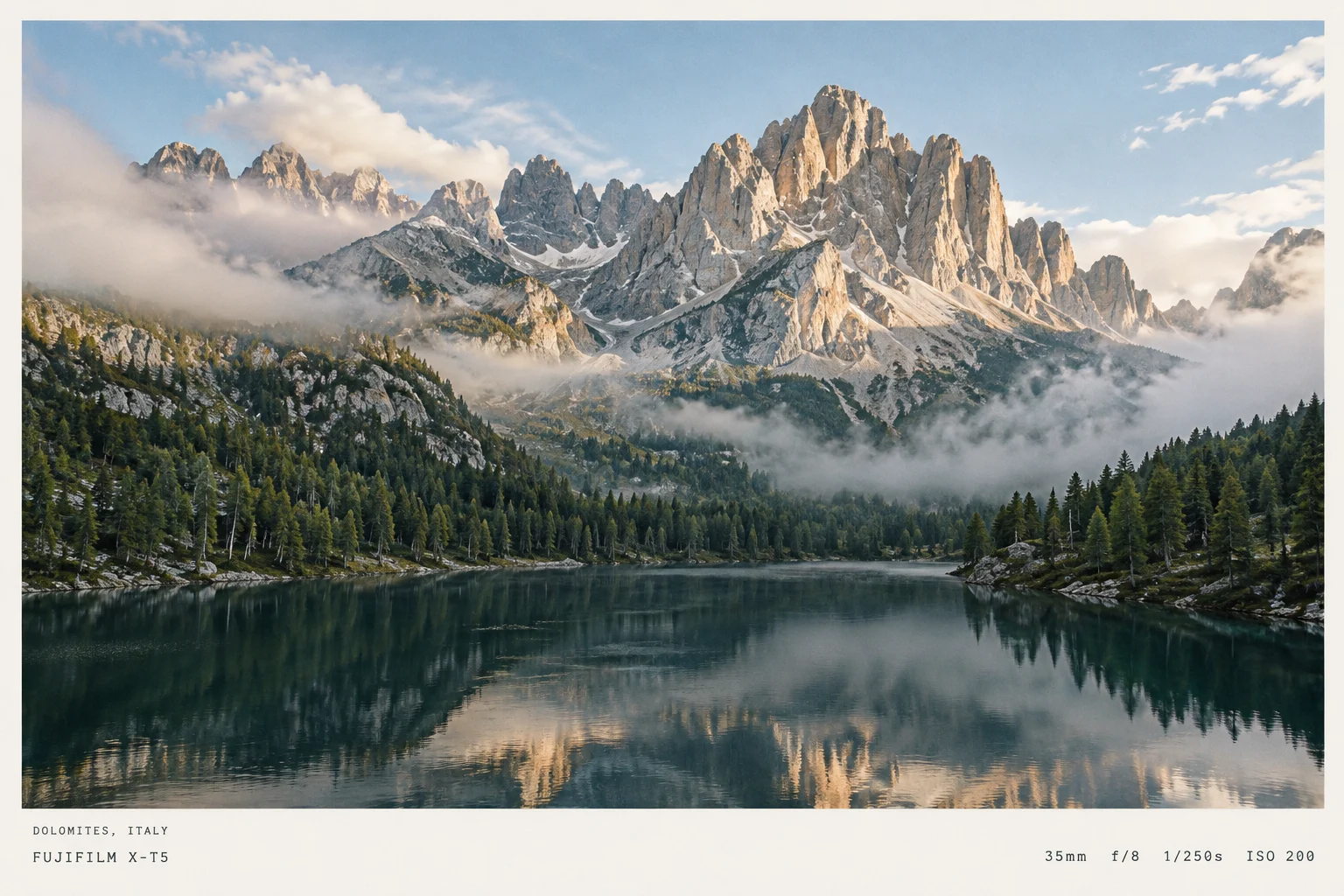
Let the photograph speak.
Give the details a place.
A frame that feels like you
From a quiet white border to a personal watermark, shape the finishing touches around your photograph.
Read EXIF automatically. Show the camera, lens and exposure settings. Add capture time or GPS, and choose exactly which fields appear.
Choose full, bottom or borderless layouts. Make the frame color, width, fonts, corners and shadows work with the image.
Add a signature or text watermark. Adjust its font, size, position, color and opacity for a personal touch that sits comfortably in the photo.
At home on your devices
A native editor for a quick finish on your phone, or a whole collection at your desk.
A generous preview, a dedicated settings inspector and batch export to your chosen folder with Pro.
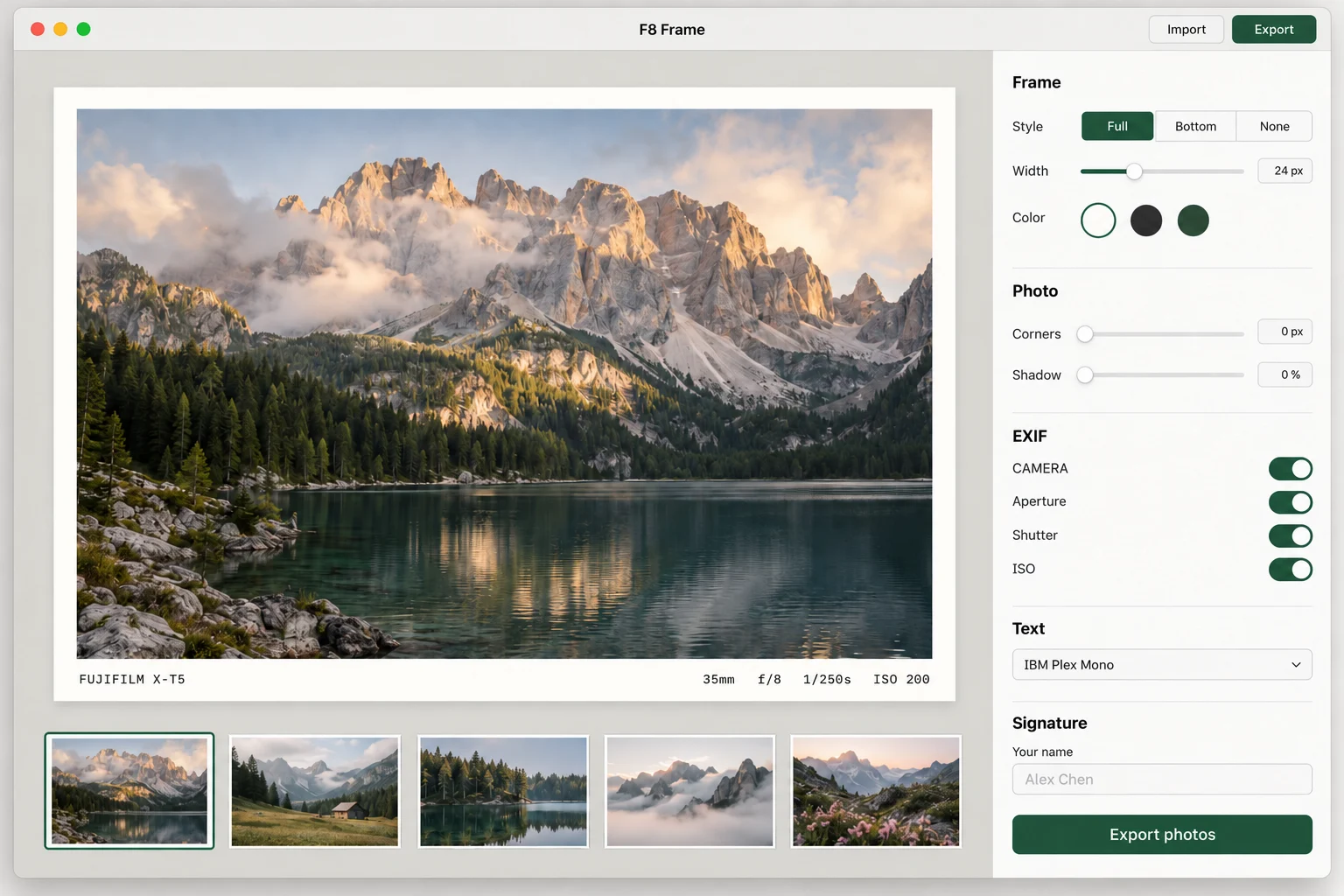
Frame a favorite shot, zoom in to inspect it, and save it back to your photo library.
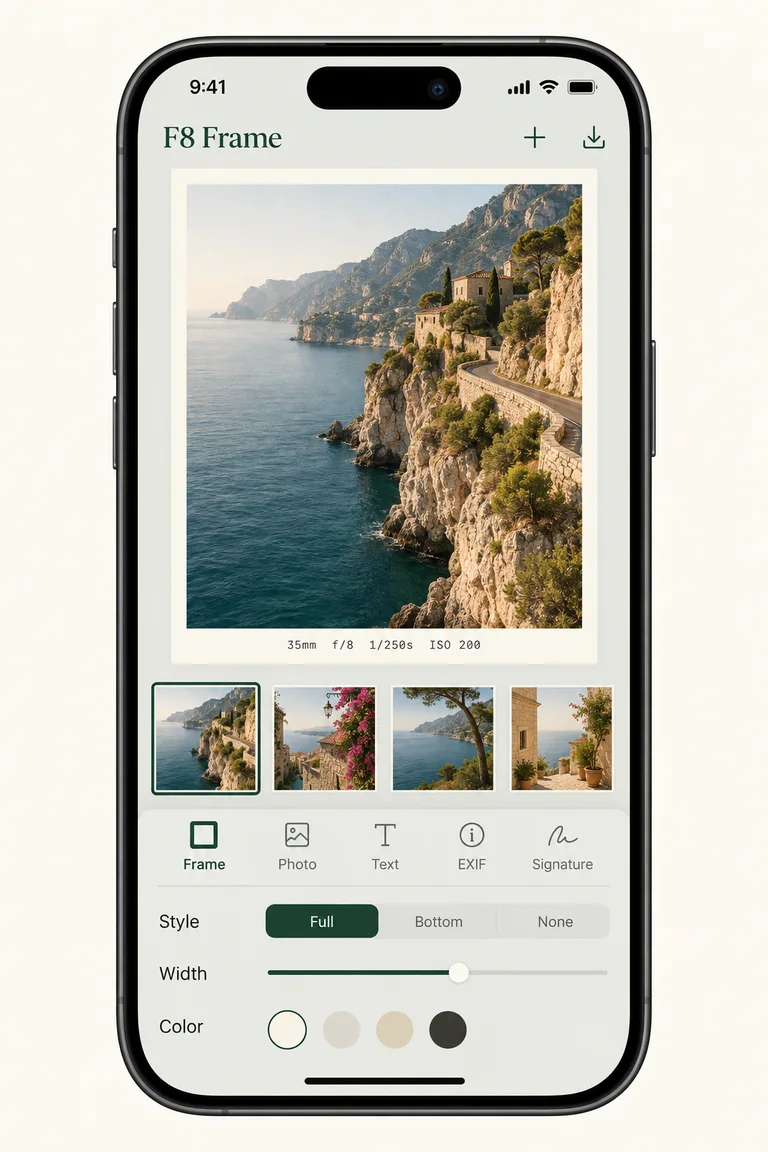
Import an image or a collection. F8 Frame reads the available camera metadata for you.
Choose a layout, refine the type and add your signature. Missing EXIF? Enter it yourself.
Export to your photo library or a Mac folder. Finish a whole collection together with Pro.
Your style, across every photograph
Save a style you love, choose a canvas that fits and refine every detail of your frame.
Save your frame, typography and signature settings as reusable presets. Start with three presets for free, or unlock more with Pro.
Choose square, portrait or landscape ratios, including 4:5 and 16:9. Expand the canvas while keeping your original photograph intact.
Fine-tune an inner border, position the EXIF information bar and place your signature on the photo or in the frame.
Photo processing happens on your device. No photo uploads needed to create your frame.
You can enter shooting parameters manually or correct information read from a photo. This is useful for film scans, images with missing metadata and photos whose camera or lens name needs adjusting.
Yes. Batch export is available with Pro. On iPhone and iPad, save framed photos to your photo library. On Mac, choose an export folder and export your imported photos together. Exports preserve selected camera and exposure metadata from the source photo; GPS and XMP metadata are not copied.
Yes. Photo editing and rendering happen locally on your device, without uploading your photographs to a photo processing server. App Store downloads, purchases and purchase restoration require an internet connection. See the Privacy Policy for details about other data handling.
The app is free to download, with optional Annual Pro and Lifetime Pro purchases. Pro unlocks batch export and premium features. Your local App Store displays the current pricing. Use Restore Purchases in the app if you have already purchased Pro.
The photograph is yours. The finish should be, too.
iPhone, iPad & Mac Free with optional Pro purchases